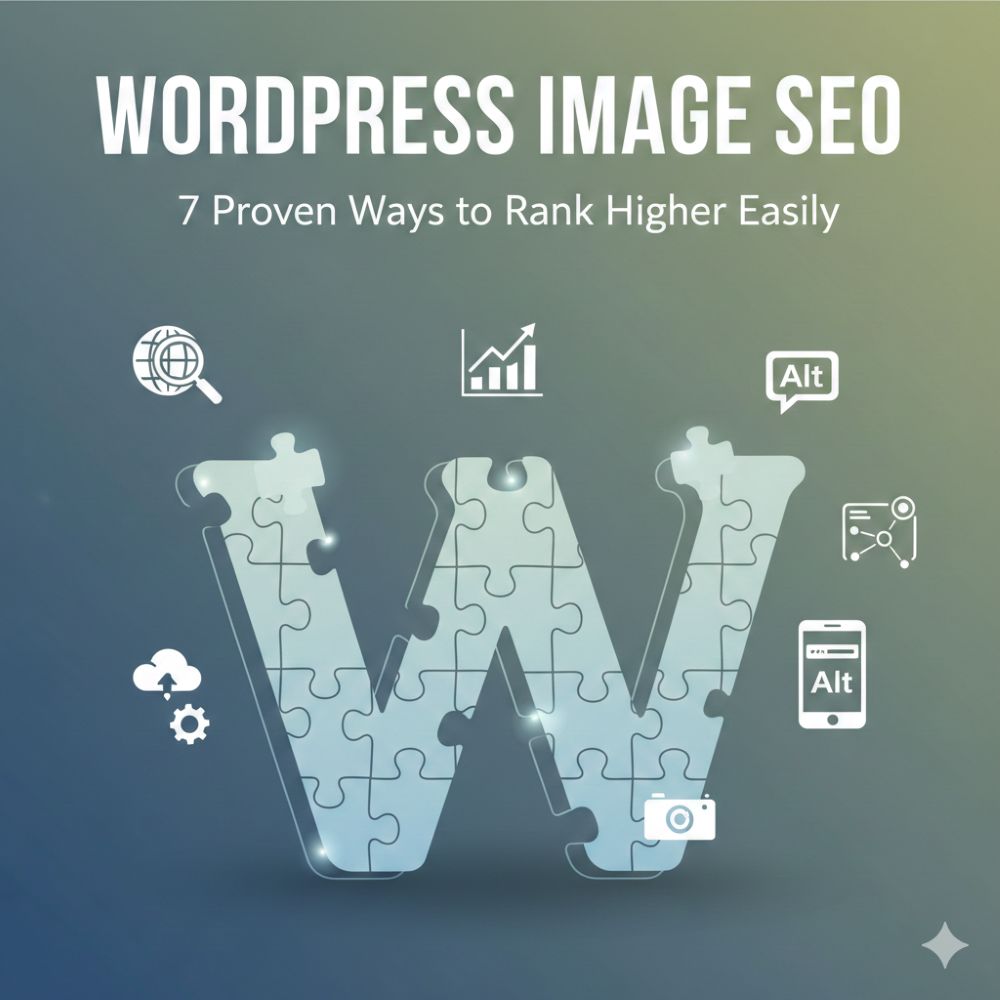
In the competitive world of digital marketing, visual content is king. However, most website owners treat images as an afterthought, unaware that their photos could be the very thing slowing down their growth.
Whether you are running a boutique shop or a large enterprise site, mastering WordPress image SEO is the key to unlocking hidden traffic and generating high-quality leads.
When I consult for brands, the first thing I look at is the media library. Often, it’s a graveyard of 5MB JPEGs and “image001.jpg” filenames. This isn’t just a storage issue; it’s a massive SEO leak.
In 2026, Google’s algorithms are smarter than ever, and they expect your visual data to be as structured as your code.
Image search accounts for over 20% of all web searches. If you aren’t prioritizing WordPress image SEO, you are essentially leaving 20% of your potential traffic on the table for your competitors to grab.
Why WordPress Image SEO is the Backbone of Performance
When I build custom themes as a Shopify developer, I focus on the “Core Web Vitals.” Google’s 2026 ranking algorithms prioritize user experience above all else. Large, unoptimized images are the leading cause of “Cumulative Layout Shift” (CLS) and slow “Largest Contentful Paint” (LCP).
By focusing on WordPress image SEO, you aren’t just pleasing search engines; you are creating a seamless journey for your potential customers.
A site that loads in under two seconds sees significantly lower bounce rates. In my experience, for every second you shave off your load time, you can see a 7% increase in conversions.
That is why the technical side of image management is where the real money is made. When an image loads instantly, it creates a psychological sense of trust and professionalism.
Conversely, a pixelated image that “pops” into place seconds later signals a lack of quality, driving users back to the search results.
Data Insight: According to Jumpshot/Moz, 22.6% of all searches on the web happen on Google Images. Furthermore, HTTP Archive reports that images make up an average of 50% of a total webpage’s weight, meaning image optimization is the single most effective way to improve Core Web Vitals.
Way 1: Naming Your Files for Success
Before you ever hit the “Upload” button, you must prepare your assets. A common mistake I see is files named IMG_5432.jpg. This tells Google nothing. For effective WordPress image SEO, rename your files using descriptive, hyphen-separated keywords.
- Bad: photo-1.jpg
- Good: custom-shopify-development-services-london.jpg
This simple step provides the first clue to search crawlers about the content of your page. As a developer, I recommend using three to five words that accurately describe the subject matter. This metadata stays with the image regardless of where it is shared, acting as a permanent anchor for your keyword strategy.
Way 2: Mastering Alt Text and Accessibility
The “Alt Text” field is arguably the most important element of WordPress image SEO. It serves a dual purpose: it allows screen readers to describe images to visually impaired users and helps search engine crawlers understand context.
In 2026, accessibility isn’t just a legal requirement; it’s a ranking factor.
As a technical specialist, I always emphasize that alt text is not the place for keyword stuffing. Instead, describe the image as if you were talking to someone who couldn’t see it.
If you have an image of a developer working on a laptop, your alt text should read “Expert developer Bonny Elangbam optimizing a WordPress site for speed.” This naturally includes your keywords while providing genuine value.
Way 3: Transitioning to Next-Gen Formats
In 2026, JPEG and PNG are often considered legacy formats for web display. For top-tier WordPress image SEO, you should transition to WebP or AVIF. These formats offer superior compression, often 30% smaller than JPEGs, without sacrificing visual clarity.
Most modern WordPress versions handle this well, but using a dedicated plugin can automate the conversion for your entire library.
Reducing your page weight from 4MB to 1MB through image conversion alone is one of the fastest ways to climb the SERPs. When I audit Shopify stores, this is often the “low-hanging fruit” that produces immediate ROI.
Way 4: Implementing Lazy Loading
Lazy loading is the practice of delaying the loading of images until the user actually scrolls to them. This dramatically improves the initial page load speed because the browser doesn’t have to fetch 50 images at once.
While WordPress now has native lazy loading, as a technical specialist, I often fine-tune this to ensure that “above-the-fold” images (like your hero banner) are excluded.
If your hero image is lazy-loaded, it can actually hurt your LCP score. Effective WordPress image SEO requires a balanced approach, loading what is needed immediately and deferring the rest.
Way 5: Utilizing a Content Delivery Network (CDN)
No matter how much you compress an image, physical distance matters. If your server is in New York and your visitor is in Tokyo, there will be latency.
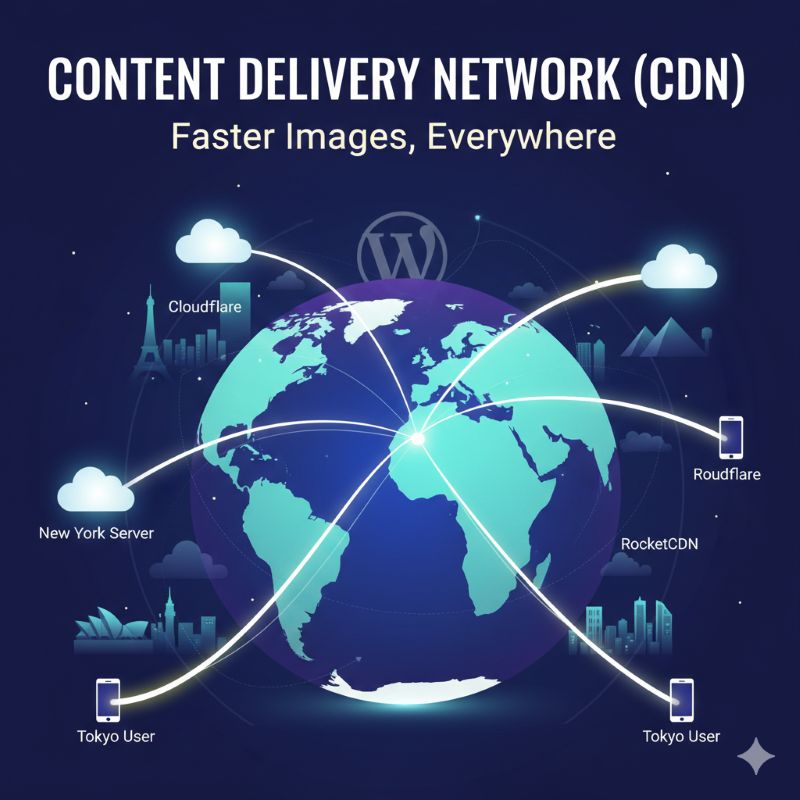
A CDN like Cloudflare or RocketCDN stores copies of your images on servers globally. This is a vital component of modern WordPress image SEO, as it ensures that high-resolution visuals don’t lag on mobile devices, regardless of the user’s location.
Way 6: Serving Responsive Images
One size does not fit all. A desktop user needs a high-resolution image, but a mobile user on a 4G connection does not. Using the srcset attribute ensures that the browser only downloads the smallest version of an image that will look good on that specific screen.
This technical step is a cornerstone of mobile-first indexing. In my development work, I ensure every theme I build supports fluid image scaling to protect the user’s data plan and the site’s performance.
To ensure your WordPress theme is handling responsive images correctly, I often use this logic in the functions.php file to ensure the srcset is generated for custom image sizes:
Way 7: Creating an Image Sitemap
Google is good at crawling, but you should never leave it to chance. An image sitemap specifically tells search engines where your visual assets are located.
This is especially important for galleries, sliders, and product pages where images might be loaded via JavaScript. For a site with thousands of product images, this is the only way to ensure 100% indexation.
Technical WordPress Image SEO Tweaks for 2026
To stay ahead of the curve, we must look under the hood. Beyond the basics, I recommend implementing “Image Schema Markup.” By adding structured data to your images, you increase their chances of appearing in “Rich Results” or as featured snippets.
As an expert who bridges the gap between Shopify and WordPress, I’ve found that these small technical edges are what allow smaller brands to outrank industry giants.
Another advanced tactic is removing unnecessary EXIF data. While some metadata is useful, camera serial numbers and GPS coordinates just add weight. Stripping this data during the compression phase is a hallmark of professional WordPress image SEO.
WordPress Image SEO for Lead Generation
Your images are entry points to your sales funnel. Think about an infographic or a high-quality product shot. If optimized correctly, it can be shared across Pinterest, LinkedIn, and Google Images, all pointing back to your site.
This is why I integrate WordPress image SEO into every stage of the development process.
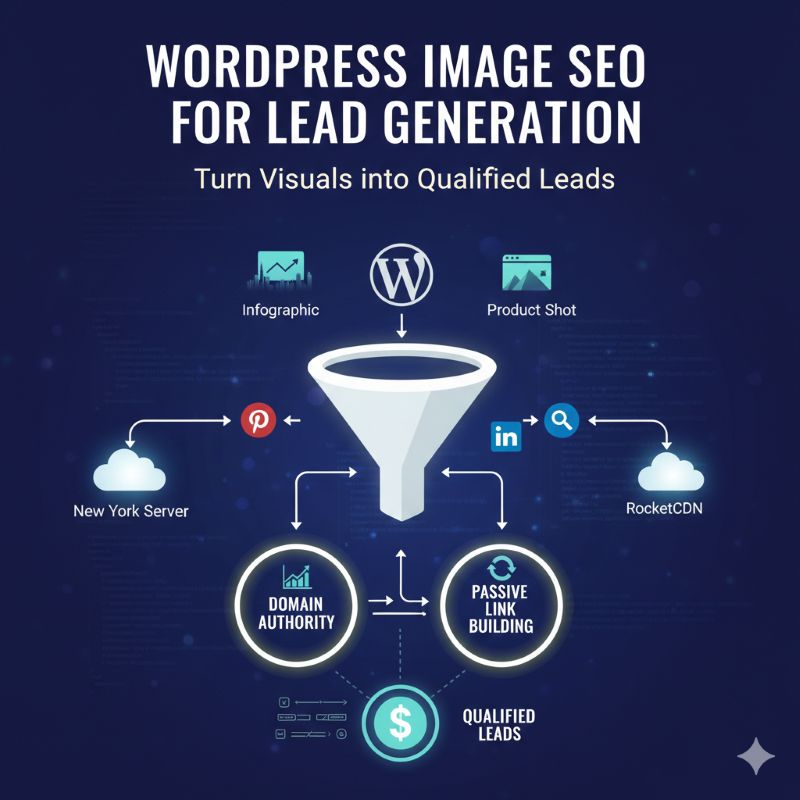
When your images rank, your “Domain Authority” grows. High-ranking images earn backlinks when other bloggers use your visuals and credit you.
Passive link building turns optimized visuals into a consistent source of qualified leads, establishing your website as the definitive visual reference in your niche.
The Role of User Experience (UX)
We cannot talk about SEO without talking about the human on the other side of the screen. WordPress image SEO is ultimately about making your site a pleasure to use.
If a potential lead lands on your site and the images are broken, slow to load, or irrelevant, they will leave. My experience as a developer has shown that the technical “boring” stuff, like image filenames and file size,s directly impacts how much people like your brand.
The WordPress Image SEO Quick Checklist
- [ ] Filename: Renamed to include keywords (e.g., shopify-dev-tips.webp).
- [ ] Alt Text: Descriptive and includesthe focus keyword naturally.
- [ ] Dimensions: Resized to the maximum container width (no 5000px uploads).
- [ ] Compression: Run through a tool like TinyPNG or a WordPress plugin.
- [ ] Format: Converted to WebP or AVIF for 2026 standards.
- [ ] Lazy Loading: Enabled for all images below the fold.
- [ ] Captions: Added where context helps the user experience.
Future-Proofing Your Visual Strategy
Optimizing your visuals is a high-impact, low-cost way to beat your competitors. By following these 7 ways to master WordPress image SEO, you are building a faster, more accessible, and more profitable website.
You are ensuring that every pixel on your screen contributes to your bottom line. As search shifts toward AI and visual recognition, these technical foundations will be what keep your brand visible.
If you’re looking to audit your current image strategy or need help implementing these technical shifts, feel free to reach out at [bonnyelangbam.com]. I’m always happy to discuss high-performance web architecture and how to turn site performance into a competitive advantage.
Author’s Note
As a Shopify developer and WordPress specialist with nearly a decade of experience, I have seen the digital landscape shift from simple text-based searches to a visual-heavy experience.
My background in high-conversion e-commerce development has taught me one non-negotiable truth: if your images aren’t optimized, your site is invisible.
I am Bonny Elangbam, and I specialize in helping businesses turn their websites into high-performance lead generation machines by mastering the technical nuances of web optimization.
I don’t just build sites; I build assets that rank. Over the years, I have helped hundreds of clients transition from sluggish, bloated websites to sleek, high-ranking platforms that dominate their respective niches.
How does WordPress image SEO help with local rankings?
By geotagging images and using local keywords in alt text (e.g., “Shopify developer in London”), you signal your relevance to specific geographic areas, helping you appear in “near me” searches.
Can I automate all my image optimization?
Mostly, yes. Plugins can handle compression and some naming, but manual alt-text writing is still the best for quality and accessibility compliance. Automation is a tool, not a total replacement for human strategy.
What are the recommended image dimensions for blogs?
Generally, keeping the width between 800px and 1200px is ideal for most layouts. This ensures images look sharp on Retina displays without being oversized for mobile users.
Do captions affect SEO?
Yes, captions provide additional context that search engines use to understand the relationship between images and the surrounding text. They also have high readability scores, keeping users engaged longer.
Will WebP images work on all browsers?
By 2026, all major browsers (Chrome, Safari, Firefox, Edge) provide full native support for WebP and AVIF formats, making them the safest and fastest choice for modern web performance.